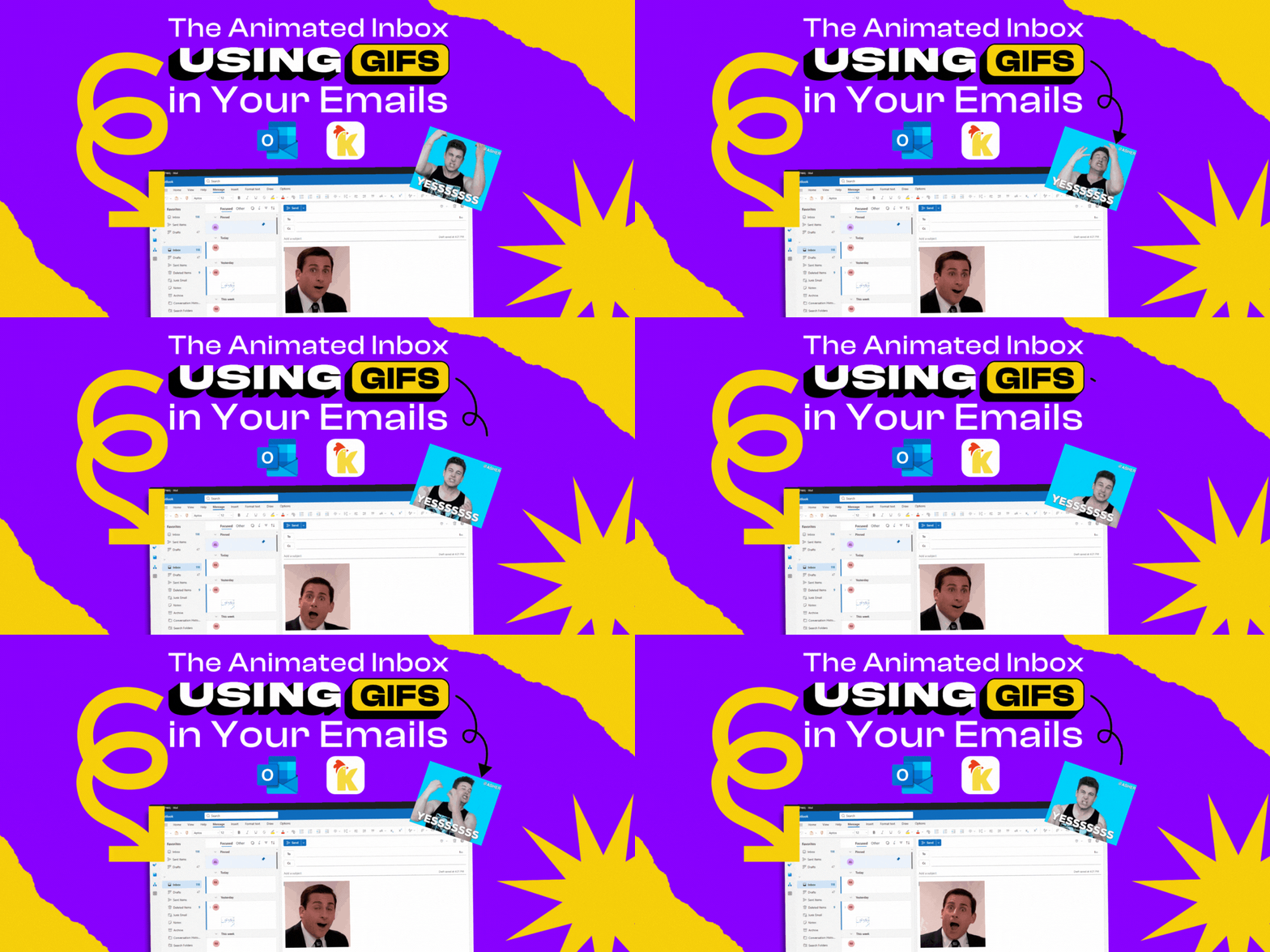
The Animated Inbox: Using GIFs in Your Emails

    The Animated Inbox: Using GIFs in Your Emails

    We’ve all written an email that felt a little too plain. A quick “thanks” that didn’t feel as real as you meant it. A joke that didn’t quite capture the fun. That’s where GIFs come in. A short looping animation can instantly capture tone and emotion, making your emails feel more personal and expressive.

    Why GIFs Make Email Better:

    GIFs aren’t just for group chats or social media anymore. They work well in emails because they:

    • Show emotion instantly -  A clapping GIF shows “congratulations” far better than text alone.
    • Clarify tone -  A reaction GIF makes it clear whether your “Sure” is enthusiastic or sarcastic.

    • Lighten the mood -  Even routine updates feel friendlier with a bit of GIF humor.

    • Enhance - In an inbox full of plain text, a little movement is refreshing.

    Everyday Situations Where GIFs Work:

    Think about the times you want to celebrate someone’s good news. A plain “Congrats!” gets the job done, but a GIF of someone cheering or doing a victory dance makes the moment feel more alive. The same goes for gratitude - a looping round of applause or a simple “thank you” can make the message feel more real. 

     

    Thank You - Office GIF

    The Office Michael Scott

    GIFs also shine in celebrations. Birthdays, promotions, and milestones all feel more special when paired with a playful animation. And for remote teams or long-distance connections, they add a touch of warmth that text alone often struggles to deliver. A single GIF can add personality and emotion without overwhelming your email.

    Making It Easy with KLIPY:

    Of course, finding and inserting the right GIF has often meant leaving your inbox, opening new tabs, and copy-pasting. That’s not always easy.


    If you’re an Outlook user, the KLIPY add-in makes the process seamless. It lets you search an extensive library of GIFs, Stickers and Clips right inside Outlook and drop them into your email with a single click.


    No downloads, no switching apps -  just the right expression, right when you need it.

    KLIPY in Microsoft Outlook


    GIFs won’t replace the words in your emails, but they can add color, warmth, and personality when words aren’t quite enough. With tools like KLIPY built right into Outlook, adding a little animation is as easy as typing out an emoji.


    ✨ Because sometimes, “Great job” just doesn’t say it as well as a GIF of someone giving a standing ovation.


    Share on social media
    Subscribe to
    our newsletter
    You'll get a bunch of fun updates, no spam, just pure joy!
    Other Articles
    alt
    Sep 23, 2026
    KLIPY is Now Live on Viber
    Learn how our API integration powers seamless GIF search, bringing a richer visual language to Viber’s global community.
    alt
    Sep 11, 2026
    Game Generator: Turn Text Prompts Into Playable Games
    Create playable games from simple text prompts with a game generator. Learn how to build your first game with KLIPY.
    alt
    Sep 10, 2026
    How Bluesky Uses KLIPY to Power Its GIF Experience
    KLIPY gives Bluesky communities an instant visual language - making conversations more expressive, personal, and alive.
    alt
    Sep 03, 2026
    Introducing KLIPY Ads Manager
    Discover the industry’s first Expression Ads Manager. Learn how to turn campaigns into content people want to share.
    alt
    Sep 01, 2026
    5 Best GIFs for Your Slack Chats
    Discover five of the best reaction GIFs for Slack, from awkward meetings and lunchtime to team wins and Friday celebrations.
    alt
    Aug 27, 2026
    From a Single Reaction to a Global Movement: Floki's GIF Strategy
    Discover how Floki uses viral GIFs to build brand awareness and fuel its mission to become the world's most known and used crypto.
    alt
    Aug 25, 2026
    Meet KLIPY: The Adobe Plugin That Keeps You in Your Creative Flow
    Keep your creative flow intact with KLIPY. Access millions of GIFs, stickers, and clips directly inside Premiere Pro, After Effects, Photoshop, and Express.
    alt
    Aug 17, 2026
    How Dankochen Uses Pixel Art GIFs for NFT Brand Growth
    Learn more about the KLIPY creator called “Dankochen” which uses GIFs to reach wider audiences in the NFT space.
    Discover KLIPY’s API

    Increase user engagement and generate substantial revenue.

    Integrate KLIPY

    10M+

    Animated Content Library

    10M+

    100M+

    Views Per Month

    100M+

    ~10B

    Requests Monthly

    ~10B
    Grid BackgroundGrid BackgroundGrid BackgroundGrid Background

    Company

    Explore KLIPY

    Apps & Plugins

    Social Media

    Klipy

    © KLIPY. All rights reserved.

    Address: 505 Montgomery St. STE 1100, San Francisco, 94111