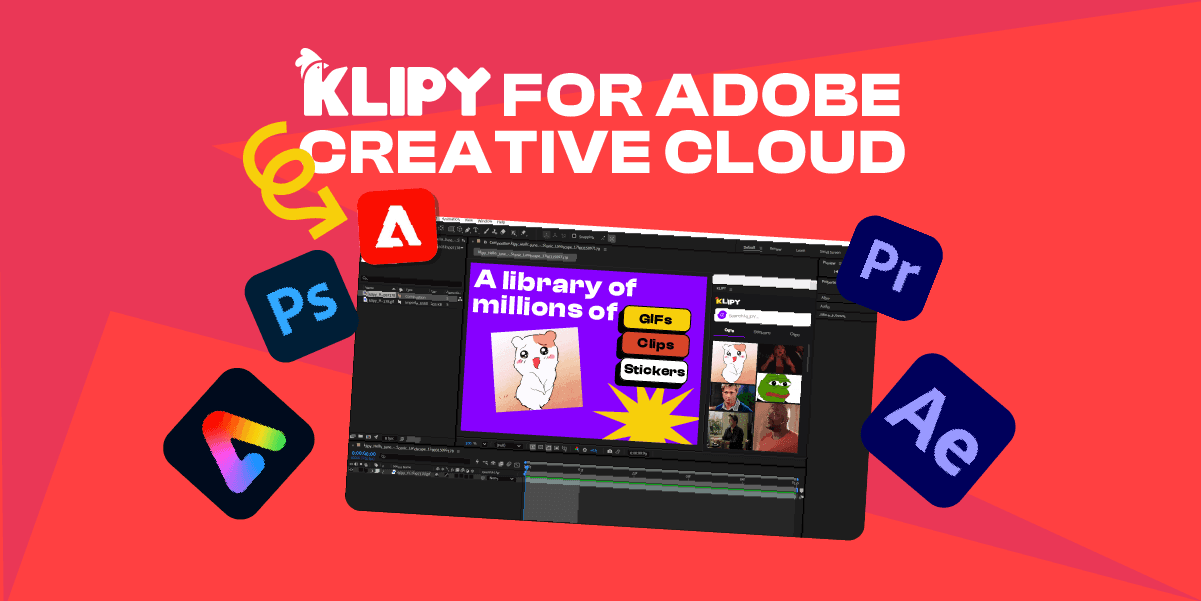
Meet KLIPY: The Adobe Plugin That Keeps You in Your Creative Flow

    Meet KLIPY: The Adobe Plugin That Keeps You in Your Creative Flow

    Imagine you’re deep in the editing zone, polishing a high-energy video sequence or refining a social media campaign, when you realize you need that one perfect reaction GIF or visual element to land the punchline.


    Suddenly, your creative rhythm grinds to a halt. You leave your project, open a browser tab, search through media sites, download a file, hunt through a cluttered downloads folder, and manually drag it back into your project. By the time you return to your active canvas, your momentum is completely gone.


    We created KLIPY Plugins to solve this exact problem. Designed to integrate natively inside Premiere Pro, After Effects, Photoshop, and Adobe Express, we placed millions of GIFs, stickers, and clips right at your fingertips.

    Trending Content for Every Workspace

    Because each Adobe application serves a distinct creative purpose, KLIPY offers dedicated, app-specific extensions to match your precise workflow. Rather than a generic setup, you can install the exact plugin built for the tool you use most.


    1. Video editors working in Premiere Pro can install the dedicated Premiere extension to pull high-energy GIFs and stickers straight onto their timeline.
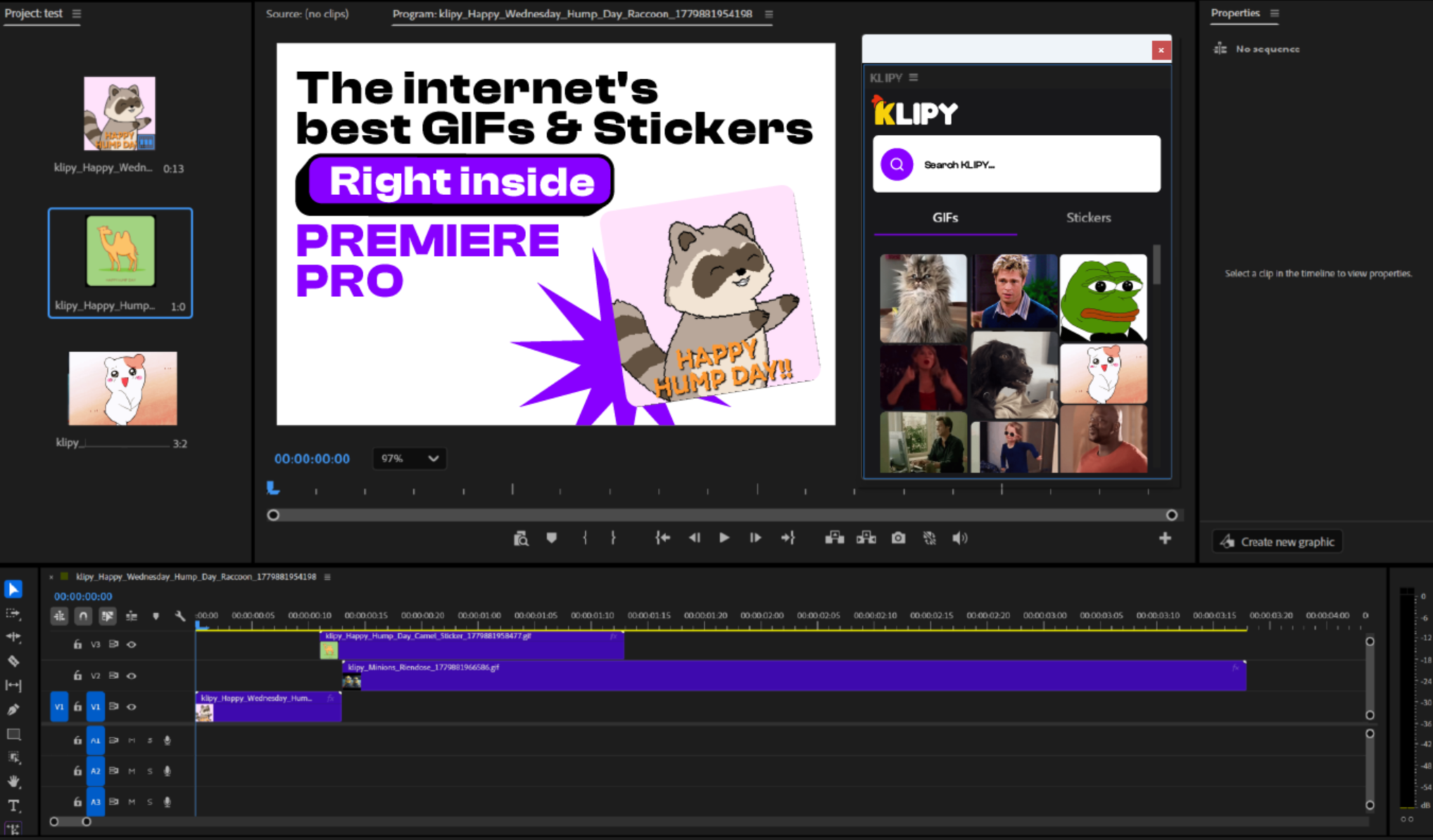
    KLIPY Plugin in Adobe Premiere Pro

    2. Motion graphics artists in After Effects get full access to KLIPY’s complete ecosystem of GIFs, clips, and stickers, making video-in-video overlays and dynamic graphic accents effortless within the composition panel.
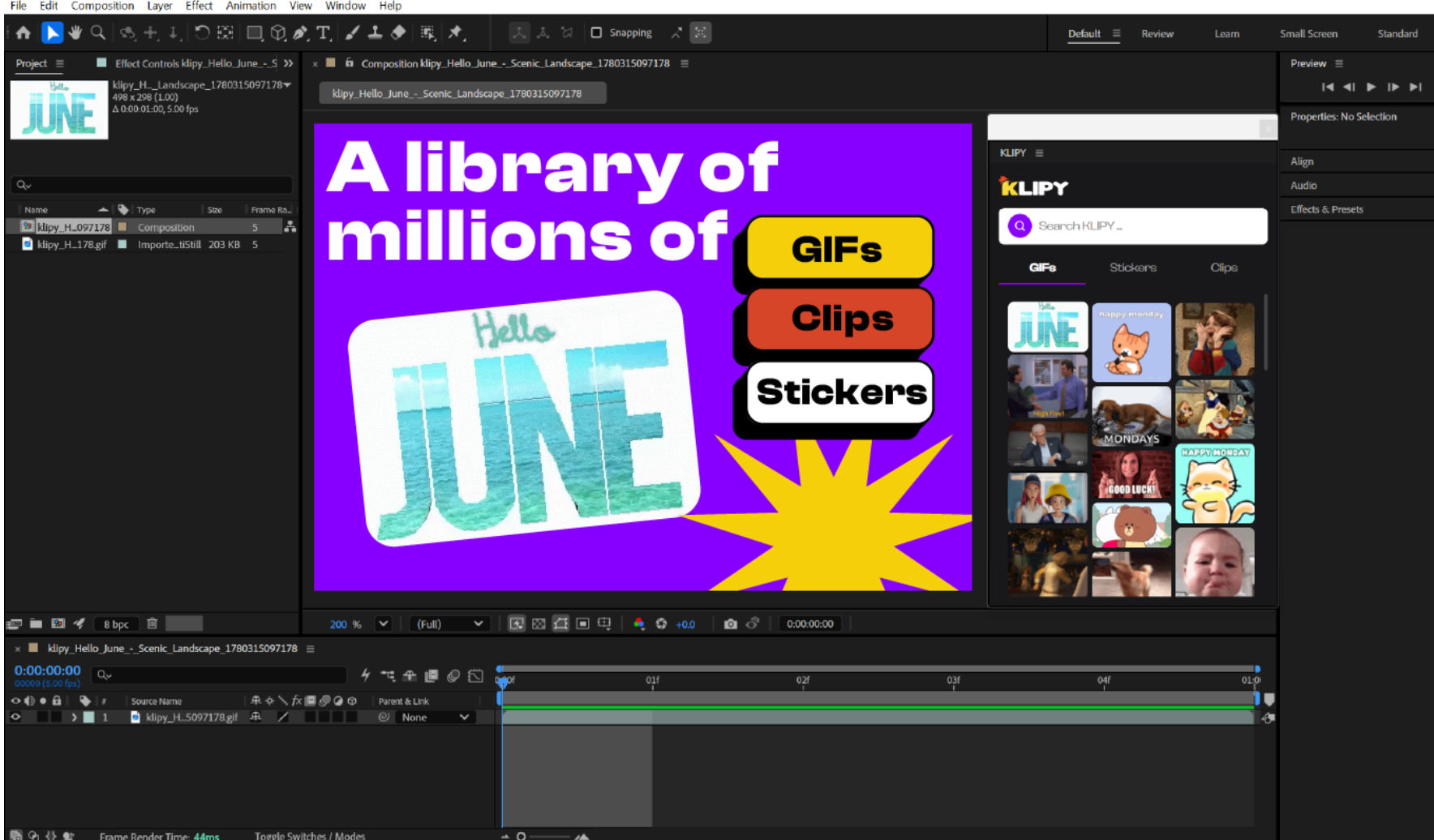
    KLIPY Plugin in Adobe After Effects

    3. Visual designers in Photoshop can install the Photoshop extension to drag looping GIFs directly onto their artboards - ideal for testing animated web banners or thumbnail concepts in real time.
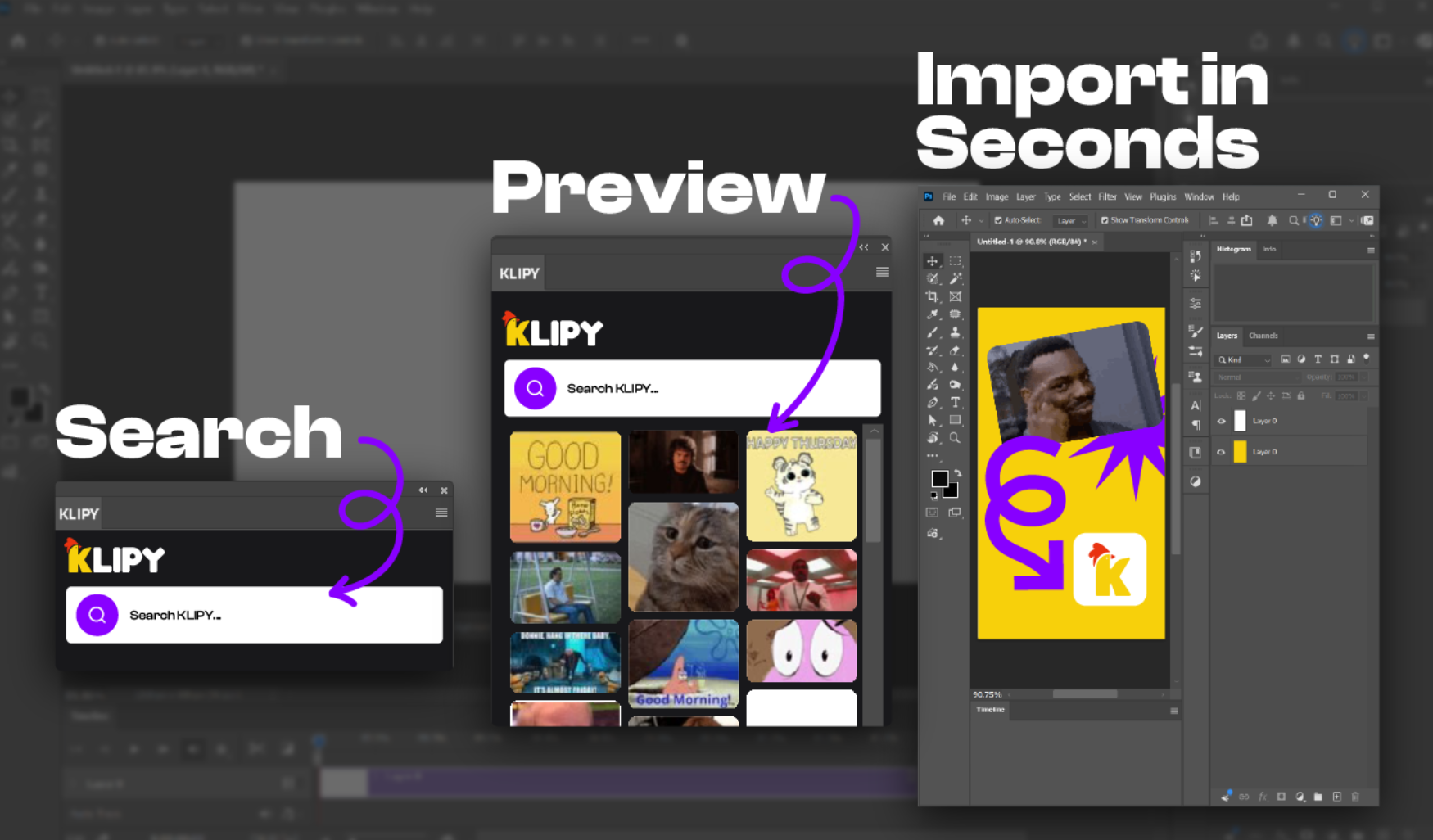
    KLIPY Plugin in Adobe Photoshop

    4. Content creators using Adobe Express can grab the Express extension to quickly incorporate GIFs, clips, and stickers into social posts.
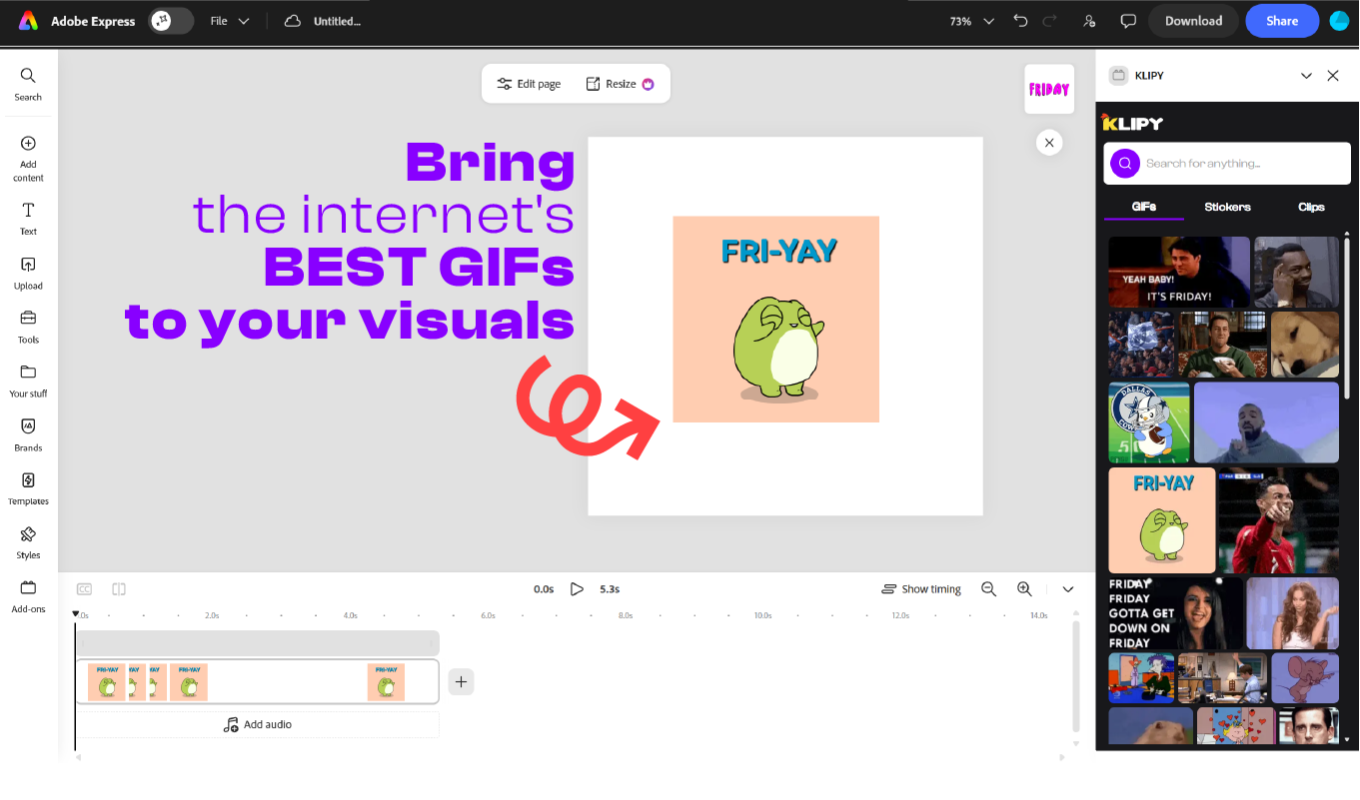
    KLIPY Plugin in Adobe Express

    How to start using the KLIPY plugin in Adobe?

    Setting up KLIPY in your favorite creative apps takes less than a minute:

    • Choose Your Plugin: Head over to KLIPY.com/apps, where you will find plugins for each supported Adobe application. Simply select and install the dedicated extension for Premiere Pro, After Effects, Photoshop, or Express.
    • Launch the Extension: Open your chosen Adobe application, navigate to Window > Extensions > KLIPY, and dock the new panel anywhere inside your custom workspace.
    • Drag and Drop: Search for a mood or keyword, grab your asset, and drop it straight onto your active timeline, composition, or canvas.

    Keep Your Workflow in Motion

    Your creative energy belongs on the canvas - not on managing browser tabs and unorganized downloads folders. By bringing dedicated, app-specific media libraries straight to your workspace, KLIPY keeps your momentum intact from start to finish.


    Ready to streamline your creative process? Add KLIPY plugins today to grab the extension for your favorite Adobe app (or check out our handy apps for Canva, Figma, and Miro) and transform the way you create.


    Share on social media
    Subscribe to
    our newsletter
    You'll get a bunch of fun updates, no spam, just pure joy!
    Other Articles
    alt
    Sep 03, 2026
    Introducing KLIPY Ads Manager
    Discover the industry’s first Expression Ads Manager. Learn how to turn campaigns into content people want to share.
    alt
    Sep 01, 2026
    5 Best GIFs for Your Slack Chats
    Discover five of the best reaction GIFs for Slack, from awkward meetings and lunchtime to team wins and Friday celebrations.
    alt
    Aug 27, 2026
    From a Single Reaction to a Global Movement: Floki's GIF Strategy
    Discover how Floki uses viral GIFs to build brand awareness and fuel its mission to become the world's most known and used crypto.
    alt
    Aug 17, 2026
    How Dankochen Uses Pixel Art GIFs for NFT Brand Growth
    Learn more about the KLIPY creator called “Dankochen” which uses GIFs to reach wider audiences in the NFT space.
    alt
    Aug 07, 2026
    Celebrate International Cat Day with KLIPY Mini Games
    Ready for International Cat Day? Celebrate August 8th with KLIPY and dive into our top collection of fun, fast, and addictive cat mini games!
    alt
    Aug 06, 2026
    KLIPY X Lovable: Power Up Your Projects with GIF API Integration
    KLIPY is now live in Lovable! Easily integrate dynamic media content into your lovable apps.
    alt
    Jul 23, 2026
    How Generations Use GIFs: a Timeline of Internet Culture
    What does your favorite reaction say about your age? Discover how different generations use GIFs and power up your online experience with KLIPY.
    alt
    Jul 13, 2026
    Microsoft SwiftKey Integrates KLIPY for GIF Search
    One of the world’s most widely used mobile keyboards has integrated the KLIPY GIF API to deliver fast, relevant and localized visual expression inside everyday conversations.
    Discover KLIPY’s API

    Increase user engagement and generate substantial revenue.

    Integrate KLIPY

    10M+

    Animated Content Library

    10M+

    100M+

    Views Per Month

    100M+

    ~10B

    Requests Monthly

    ~10B
    Grid BackgroundGrid BackgroundGrid BackgroundGrid Background

    Company

    Explore KLIPY

    Apps & Plugins

    Social Media

    Klipy

    © KLIPY. All rights reserved.

    Address: 505 Montgomery St. STE 1100, San Francisco, 94111