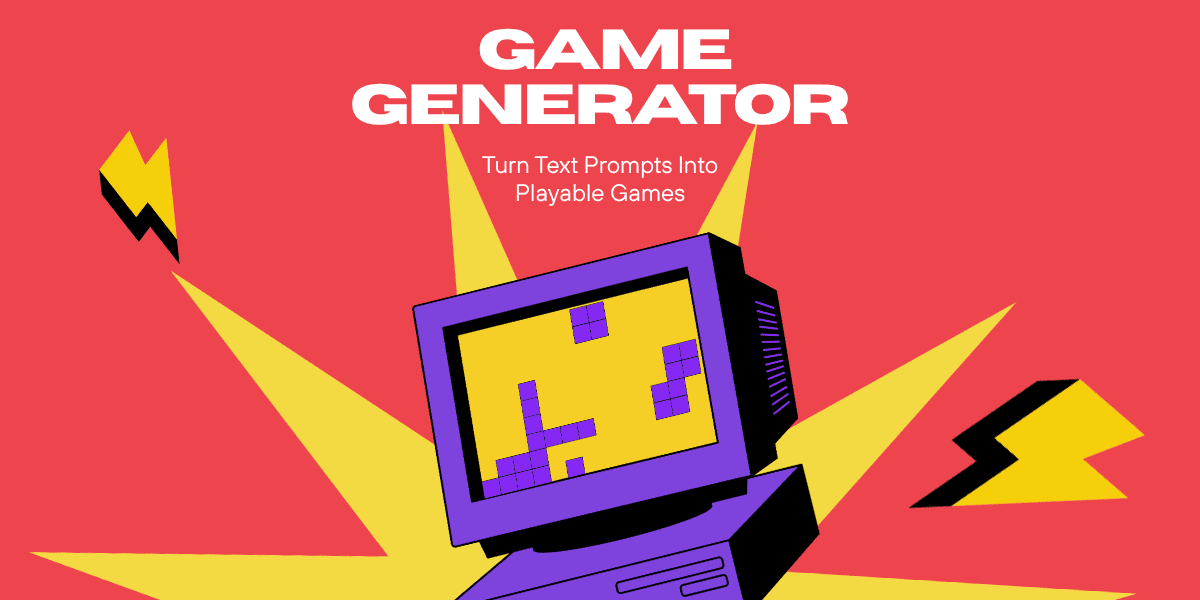
Game generators can turn a simple text prompt into a playable game without traditional coding. Instead of spending months learning game engines, writing code, and building assets manually, you can describe the game you want and let the game generator create it.
Example: "Create a retro platform game where a chicken collects 10 coins while avoiding moving obstacles."
The game generator can then turn that idea into a playable game that you can test and improve. This makes game creation accessible to people who may have never written code.
A game generator can be used to create simple playable experiences in different game categories.
For example, you can create:
Endless runners
Arcade games
Puzzle games
Collecting games
Survival games
Sports mini games
Trivia games
The more clearly you describe the experience, the easier it is for the game generator to understand what you want to build.
Here is a straightforward guide to creating games on KLIPY:
If you do not have an account yet, head to KLIPY and create one for free.
Once you are logged in, click Create, then select Start Building to begin creating your game.
Type what you want to create using normal language. You do not need to write code.
Example: "Create a neon arcade game where the player collects coins while avoiding lasers."
KLIPY will use your prompt to generate the game and once it is ready, you can immediately start playing. If you want to change something, simply tell the game generator what to adjust, you can continue refining the game until it feels the way you want.
Once you are happy with your game, add a title and relevant tags so other players can discover it. Then publish and share it with friends, family, or the KLIPY Discord community.
You can start building your first game here.
The quality of your game often depends on how clearly you describe the idea. A useful game prompt usually includes: Game type + objective + mechanics + visual style + difficulty
Here are three ways to improve your prompts:
Give the game a clear objective. Clear rules give the game generator a much better understanding of the experience you want.
Example: "Avoid falling off the platform."
Tell the game generator what the game should look and feel like. A simple style description can dramatically change the personality of the game. Try words such as:
Cozy
Retro arcade
Neon cyberpunk
Colorful
You do not need to describe fifty mechanics in your first prompt. Start with the core idea.
Example: "Create a platform game where the player jumps over obstacles."
Once that works, add more. Building the game step by step makes it easier to shape the experience you want.
Yes. Tools like KLIPY allow you to create games using natural language prompts instead of writing code.
Absolutely. Once you have tested and polished your game on KLIPY, you can publish it and share it with others.
A strong prompt should explain the type of game, the objective, the main mechanics, the visual style, and any important rules or difficulty requirements.
Create your first game by visiting the KLIPY Game Generator page. If you prefer building and playing on mobile, you can do this entirely on the go by downloading the KLIPY iOS app on the App Store or the Android app on Google Play.
Want to see more games created with KLIPY?
Explore gameplay videos, discover creative ideas, and see what the KLIPY community is making. Follow KLIPY and explore more game content: KLIPY on YouTube | KLIPY on TikTok | KLIPY on Pinterest | KLIPY on Discord




Increase user engagement and generate substantial revenue.
10M+
Animated Content Library

100M+
Views Per Month
~10B
Requests Monthly


Explore KLIPY
Apps & Plugins
Social Media



© KLIPY. All rights reserved.
Address: 505 Montgomery St. STE 1100, San Francisco, 94111